What Formabi does
What filling, building, auditing, and operating forms in Formabi involves.
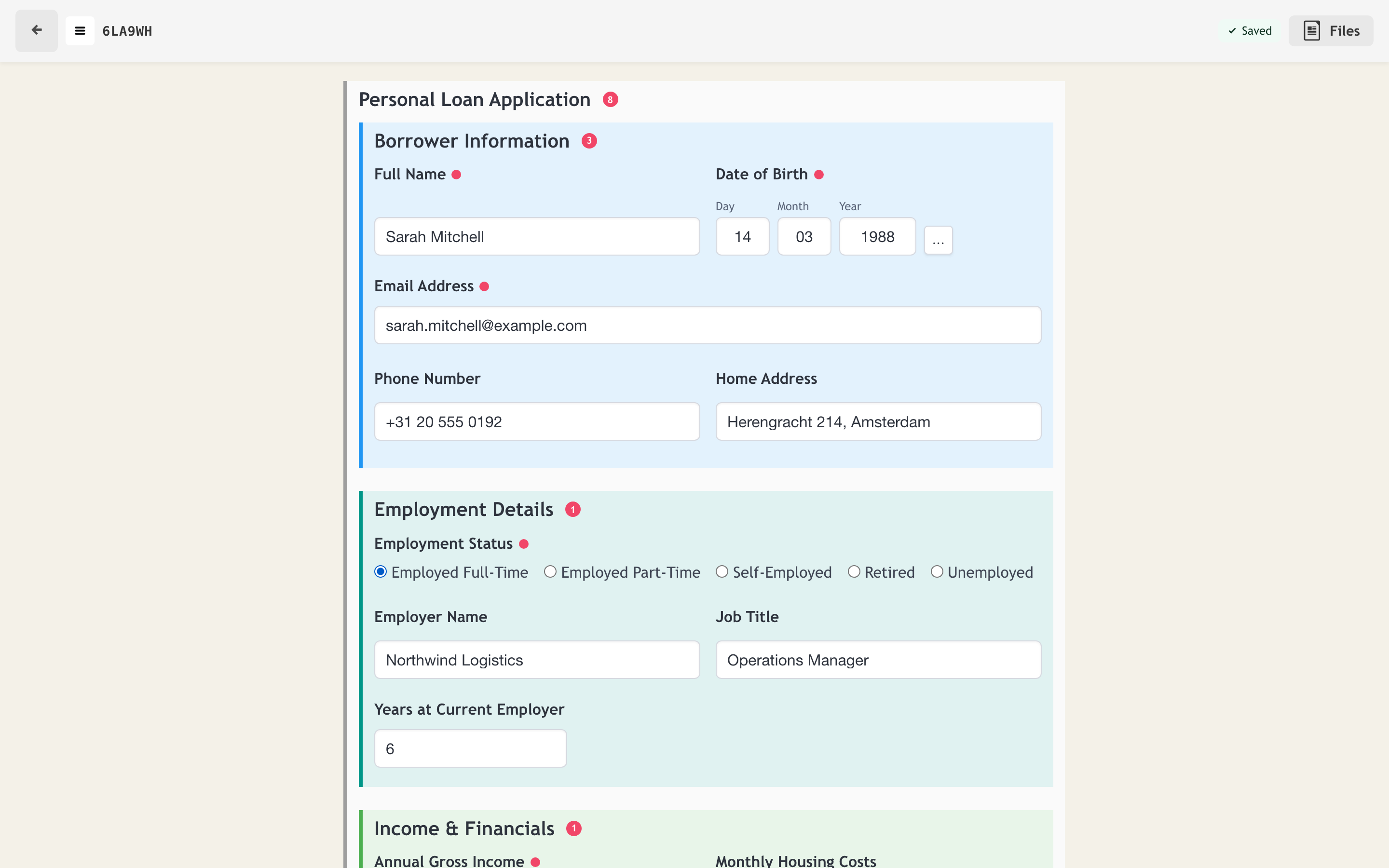
Form filling
Forms render as structured sections with per-field validation, conditional visibility, and auto-save on every keystroke. Several people can work in the same entry at once without overwriting each other.
- ✓ Conditional logic on any answer — show, hide, validate, set defaults, route
- ✓ Real-time collaboration with per-keystroke auto-save
- ✓ Field-level validation with clear per-section progress indicators
- ✓ Works down to a 375px viewport for use in the field
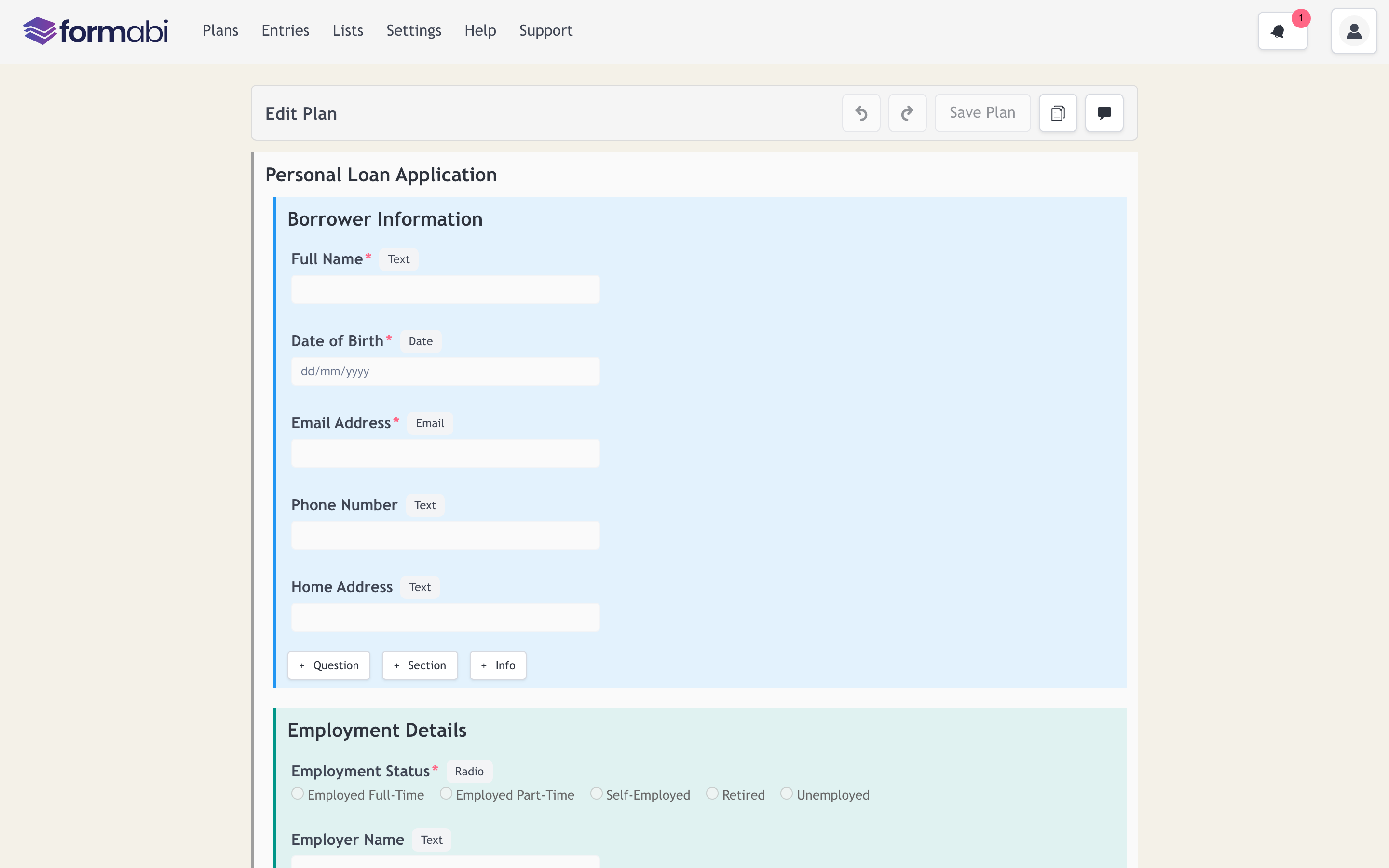
Visual plan editor
Plans are built from typed fields, nested sections, and repeating groups in a direct-manipulation editor with undo/redo. Each plan is a versioned data model.
- ✓ Typed fields: text, date, email, radio, dropdown, multi-select, file upload, signature
- ✓ Nested and repeating sections for real-world structures
- ✓ Undo/redo over every edit, drafts saved explicitly
- ✓ AI assistant for drafting and editing plans
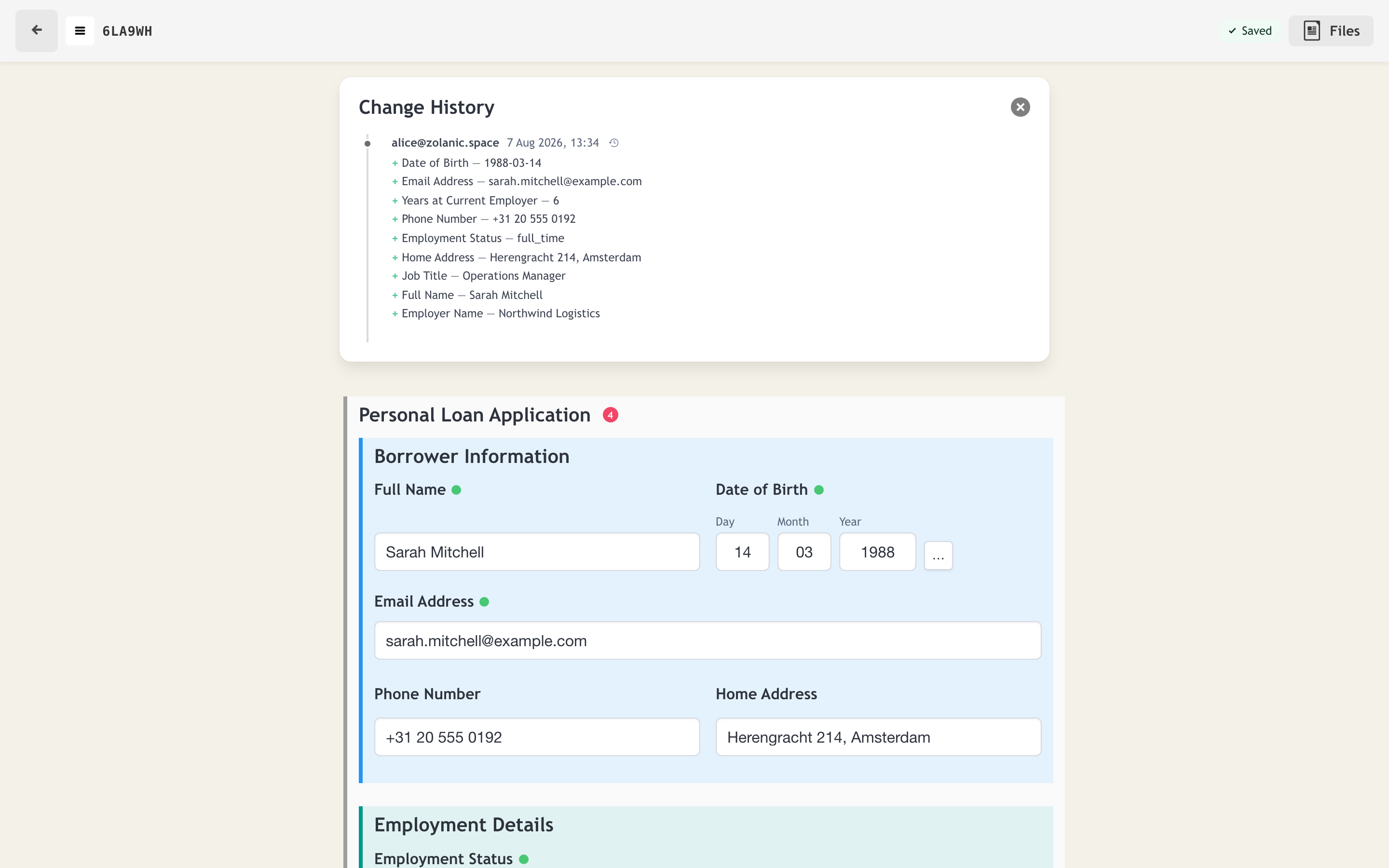
Immutable audit trail
Every change to every entry is recorded as an immutable fact: who changed which field to what value, and when. History is append-only; nothing is edited in place.
- ✓ Per-field attribution: user, timestamp, old and new value
- ✓ Full time travel through an entry's history
- ✓ Tamper-evident by construction — the log is append-only
- ✓ Locking to freeze an entry when a process step completes
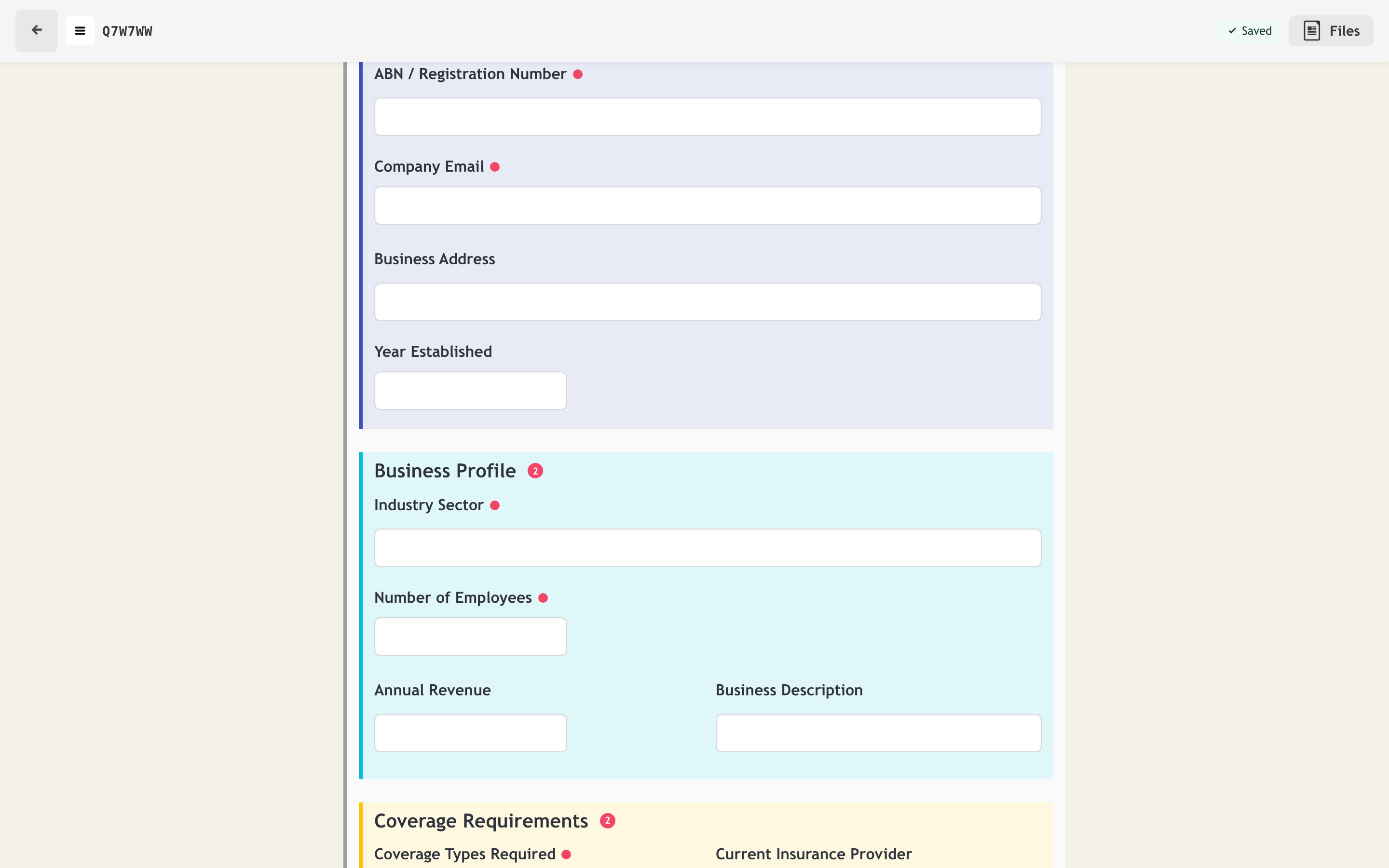
Structured entities
Model applicants, crew, equipment, or sites as first-class entities inside a form, each with their own fields, repeated as tabs or groups. Submissions come out as structured data your systems can consume directly.
- ✓ Repeating entities with their own field sets
- ✓ References to organisational data instead of free-text duplicates
- ✓ Clean structured export — every answer keyed to its field
- ✓ Webhooks push submissions into your systems as they happen
Multi-language
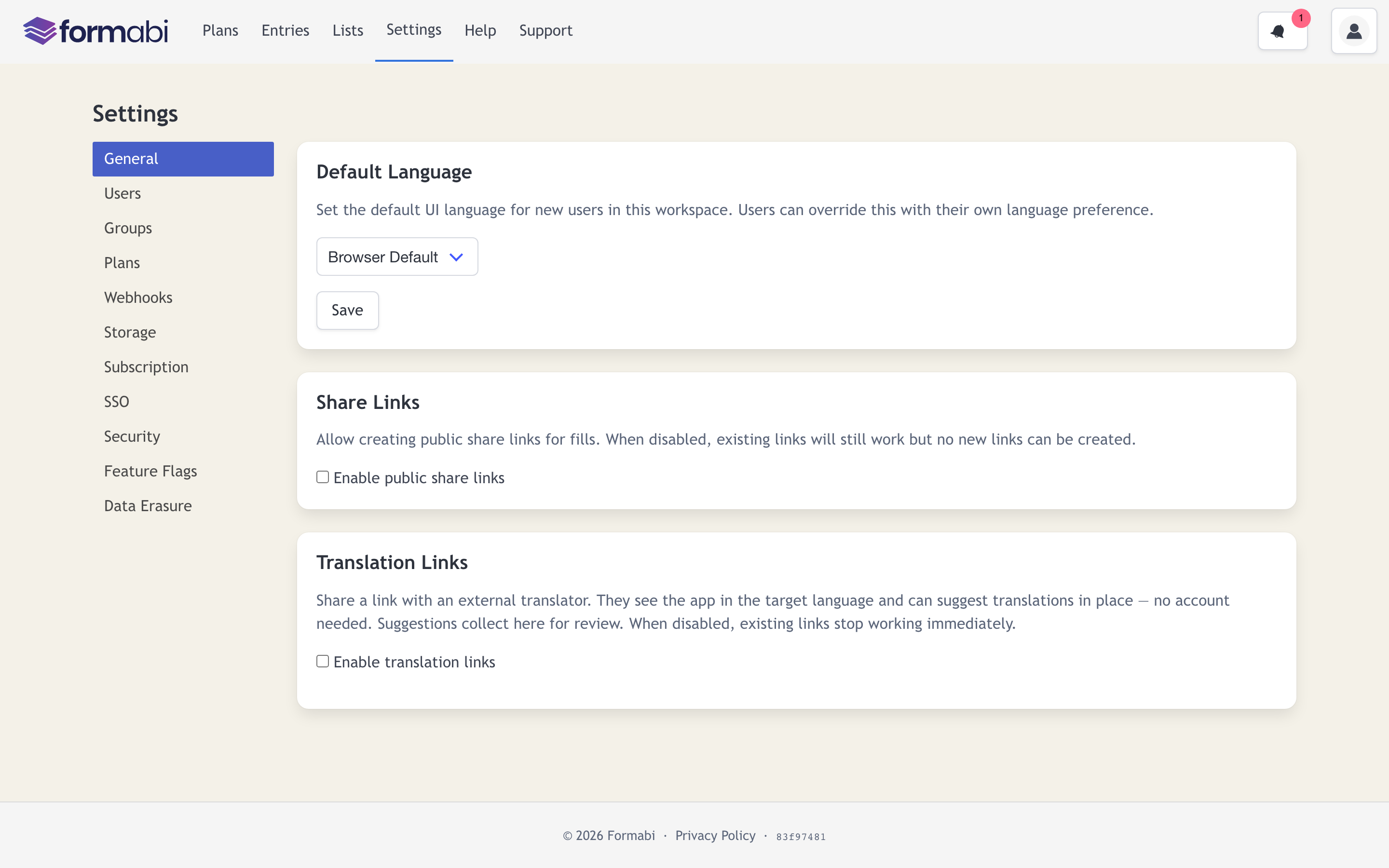
The interface ships in 17 languages, including right-to-left support for Arabic and Hebrew. Form content is translatable too: send an external translator a link and they suggest translations in place, no account required.
- ✓ 17 interface languages, per-workspace default + per-user override
- ✓ Full RTL layouts for Arabic and Hebrew
- ✓ Translator share links with in-place suggestions and review
- ✓ Locale-aware dates, numbers, and currency formatting
Operations
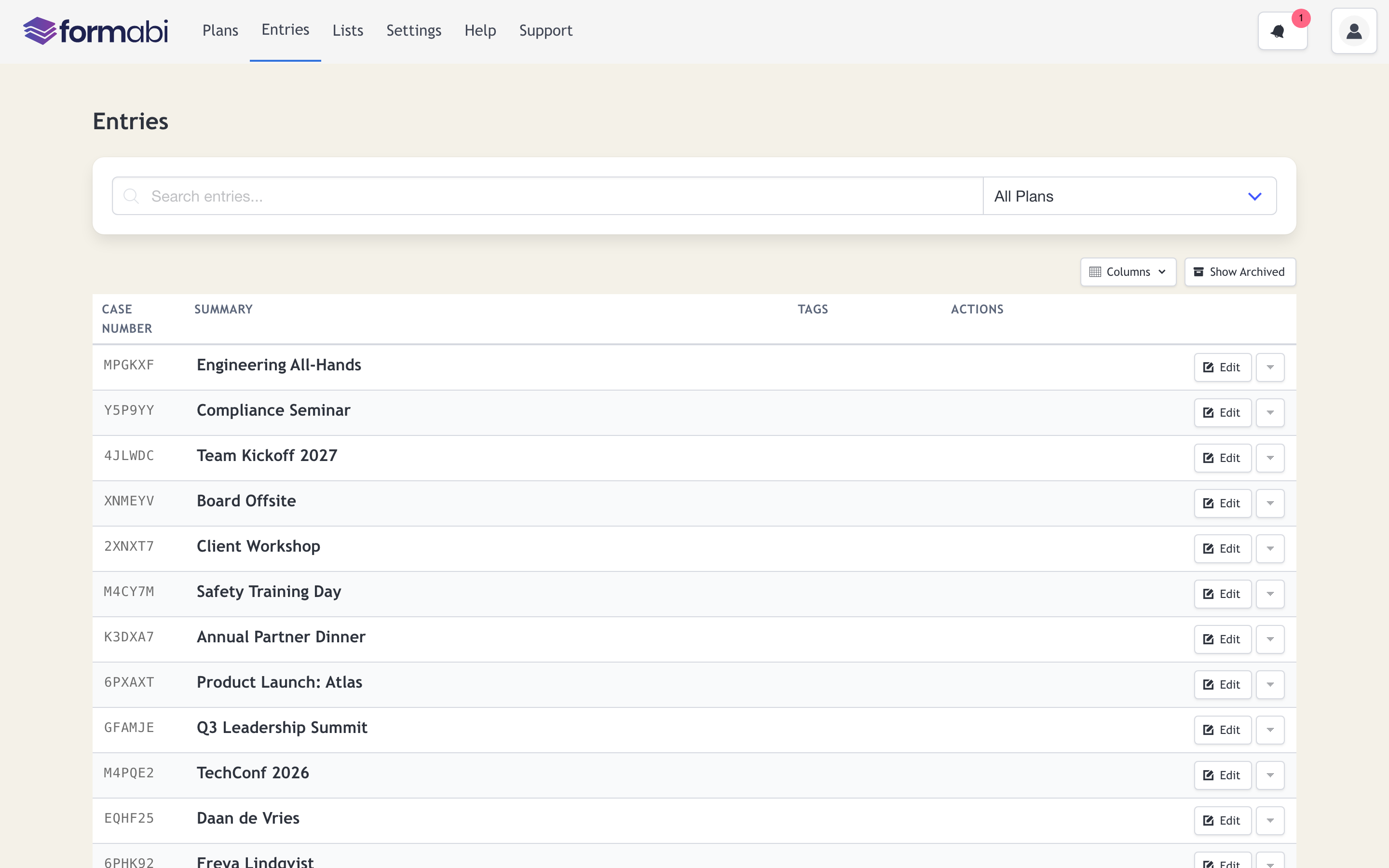
A workspace shows every plan with live entry counts; entries are searchable by content and case number. Roles, groups, and per-plan permissions separate operators, viewers, and admins.
- ✓ Case numbers on every entry for reference in the real world
- ✓ Role-based access: admin, operator, viewer — plus per-plan permissions
- ✓ Full-text search across entries
- ✓ REST API with an OpenAPI spec, webhooks, and generated clients